

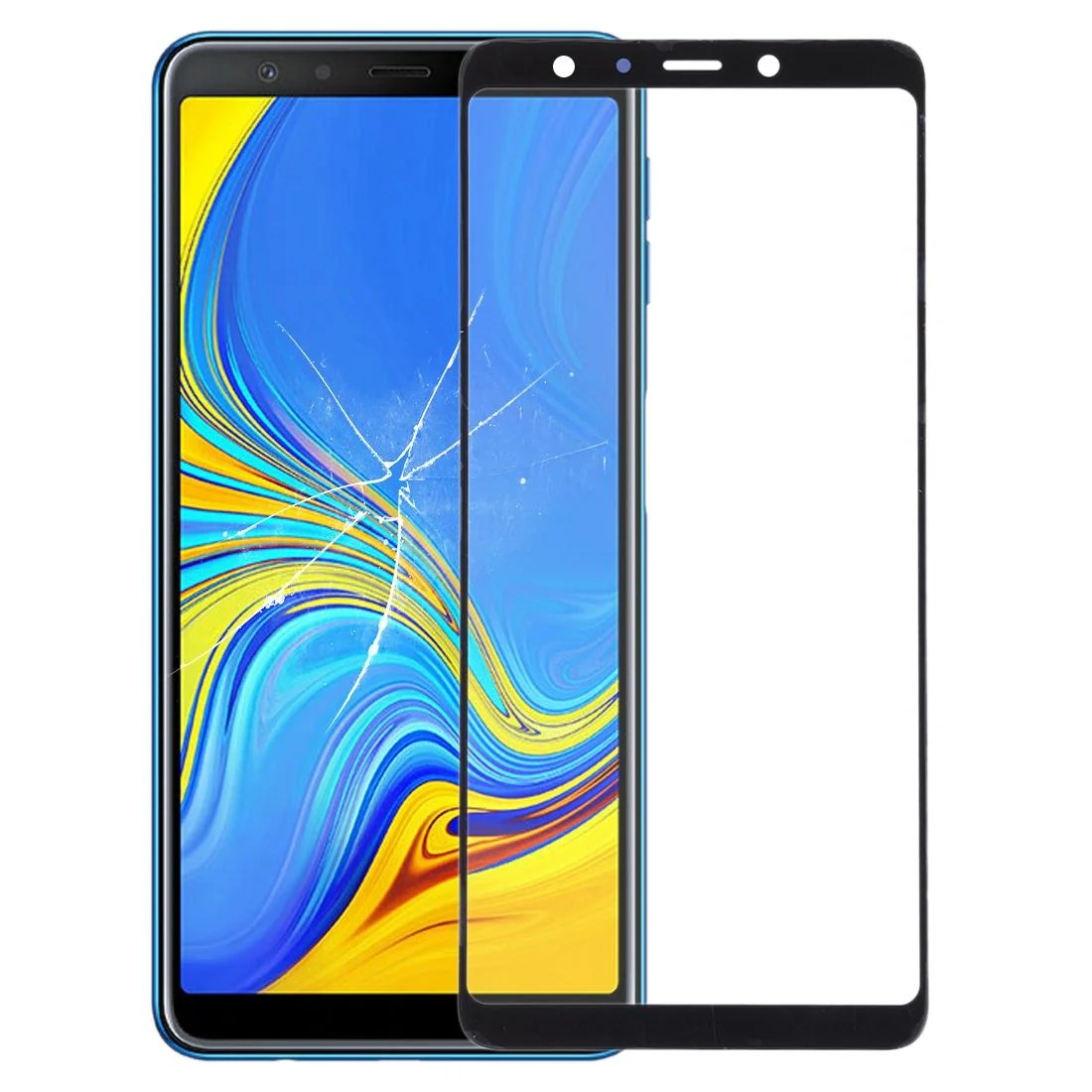


Samsung Galaxy A7 2018 A750 Front Glass Lens with OCA Adhesive
 Estimate Delivery:
Guarantee Safe Checkout
Pickup available at Shop location Usually ready in 24 hours
Pickup available
-
Shop location
Pickup available, usually ready in 24 hours
Global Tech 27 Terrace Road
Check in google map
Fordsburg
Johannesburg
Gauteng
2033
South Africa
Brand:
Samsung
Samsung Galaxy A7 2018 A750 Front Glass Lens with OCA Adhesive
Restore your Samsung Galaxy A7 2018 (A750) to its former glory with this replacement front outer glass lens. Complete with pre-applied OCA (optically clear adhesive), this high-quality lens ensures a seamless repair and crystal-clear display.
\n
\nKey Features:
\n
-
\n
- Precision-engineered for the Samsung Galaxy A7 2018 (A750). \n
- Includes OCA adhesive for easy installation and optimal clarity. \n
- Revitalises your device's appearance, making it look brand new. \n
- Guaranteed compatibility and functionality. \n
- Thoroughly inspected and tested for quality assurance. \n
-
\n
- Test Before Installing: Before removing any protective film, test the lens functionality. Remember to ground yourself with an ESD (electro static discharge) strap to prevent static damage. Wear eye protection to guard against glass splinters. \n
- Simulate Testing: Connect the new lens to your phone's motherboard and LCD using the audio cable. Power on the device to ensure proper function before full installation. \n
- Handle with Care: Avoid over-bending the LCD cable, as this can cause display issues. \n